How do I convert HEIC to JPG on Samsung?
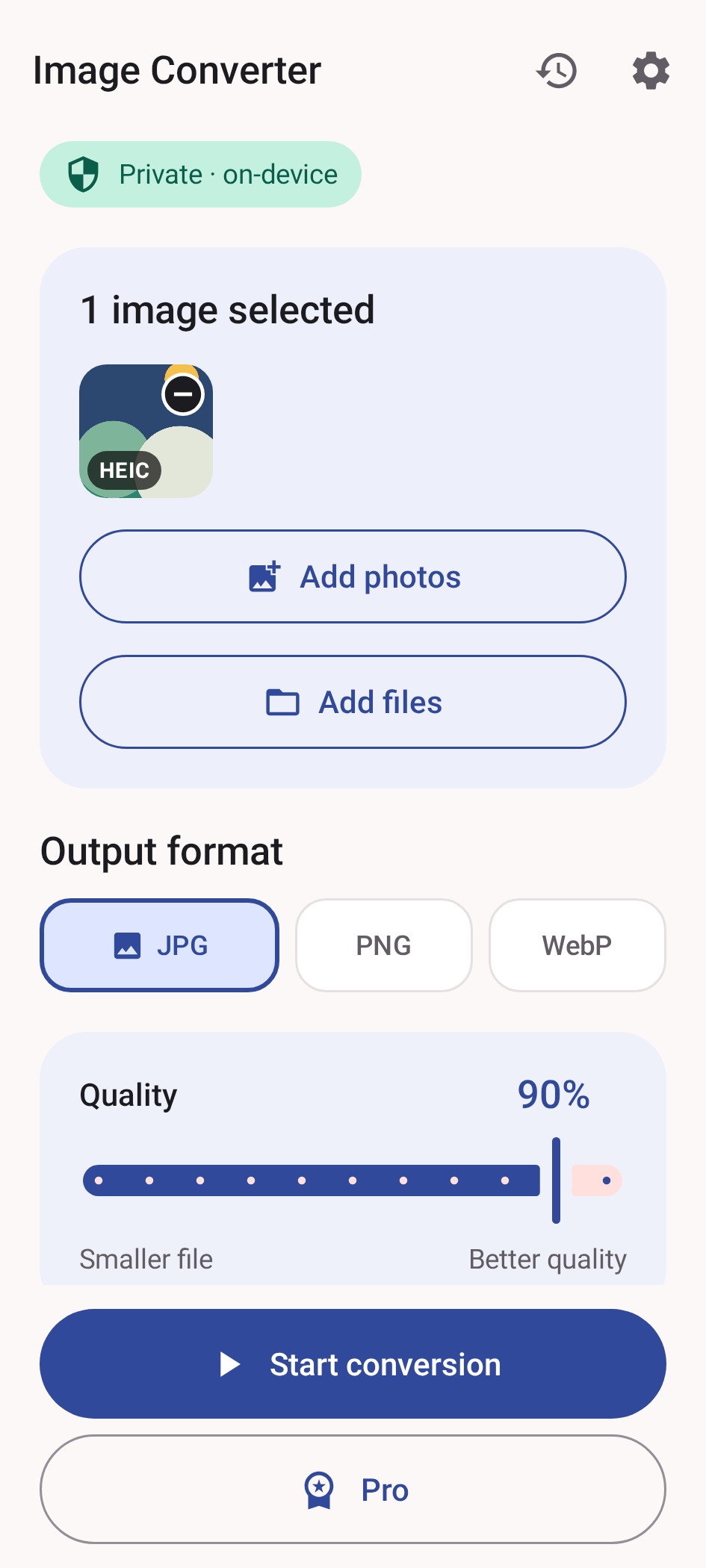
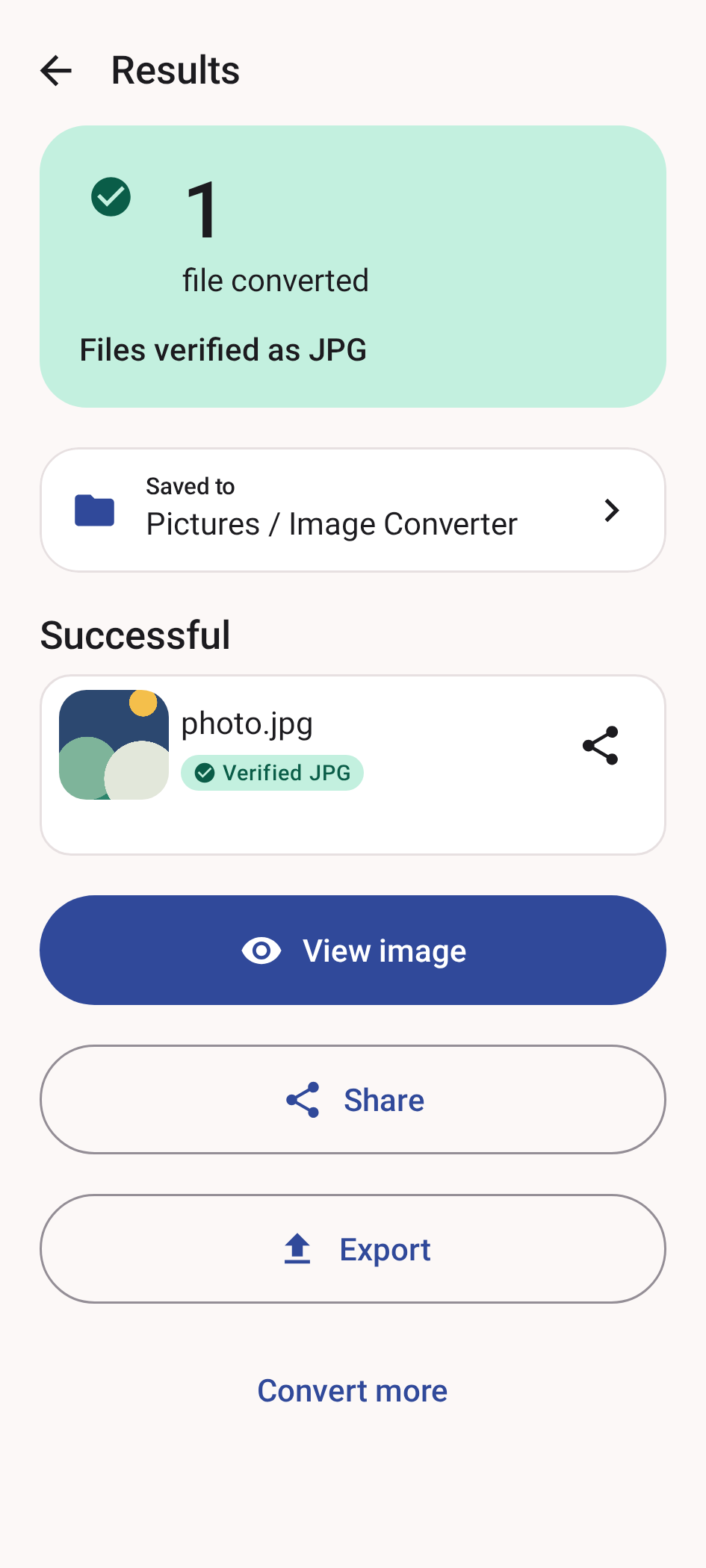
Save the HEIC photo to your Galaxy phone, select it in Image Converter, choose JPG, then convert and save or share the new copy. If the phone decoder cannot read the source, try the web converter. Samsung models and software versions can differ, so a gallery preview alone does not guarantee that every receiving app accepts HEIC.
Can I convert HEIC to JPG on Android without installing an app?
Yes. Open the web converter linked on this page, select the HEIC photo, choose JPG and download the result. It loads its own HEIC decoder and processes the photo in the browser without uploading image bytes. Support still depends on the file and available browser resources.
Does an HEIC/HEVC format not supported error always mean a photo problem?
No. HEIC commonly stores photos, while HEVC is a compression format also used for video. If the rejected file is a video such as an MP4 or MOV, an image-to-JPG converter will not fix it; the video needs a compatible player or video conversion.
Will every Android phone open every HEIC file?
No. Support depends on the Android version, device decoder and the specific HEIC or HEIF file.
Why does the same HEIC work on one phone but not another?
Different phones can provide different media decoders. The Android version alone does not guarantee identical HEIC support.
Is JPG always smaller than HEIC?
No. HEIC is often efficient. The main reason to convert is compatibility, not a guaranteed smaller file.
Can I convert several iPhone photos at once?
Yes. Free supports up to 20 selected images in one job. Lifetime Pro raises the Android batch limit to 100 and removes ads.
Does the app need access to my entire gallery?
No. It uses Android's system picker for the files you choose.
Are the photos uploaded?
No image bytes are uploaded for conversion. Ads, billing, configuration and optional diagnostics may use the internet without receiving the selected photo content.